Python is among the most popular programming languages today because it is simple, readable, and powerful. It is widely used in web development, artificial intelligence, data science, automation, and software development. Its clear and easy-to-understand syntax makes it an excellent choice for beginners, while its advanced features also support professionals building large-scale applications.
When learning Python, practice is just as important as understanding theory. Reading concepts helps you know what Python can do, but applying them through coding shows how it works in real situations. Writing code regularly improves logical thinking, strengthens problem-solving skills, and builds overall programming confidence.
Exploring different Python project ideas helps you move from basic learning to real-world applications. It encourages creativity, builds practical experience, and shows how complete programs are developed. Step by step, this process helps you grow into a confident and skilled Python developer.
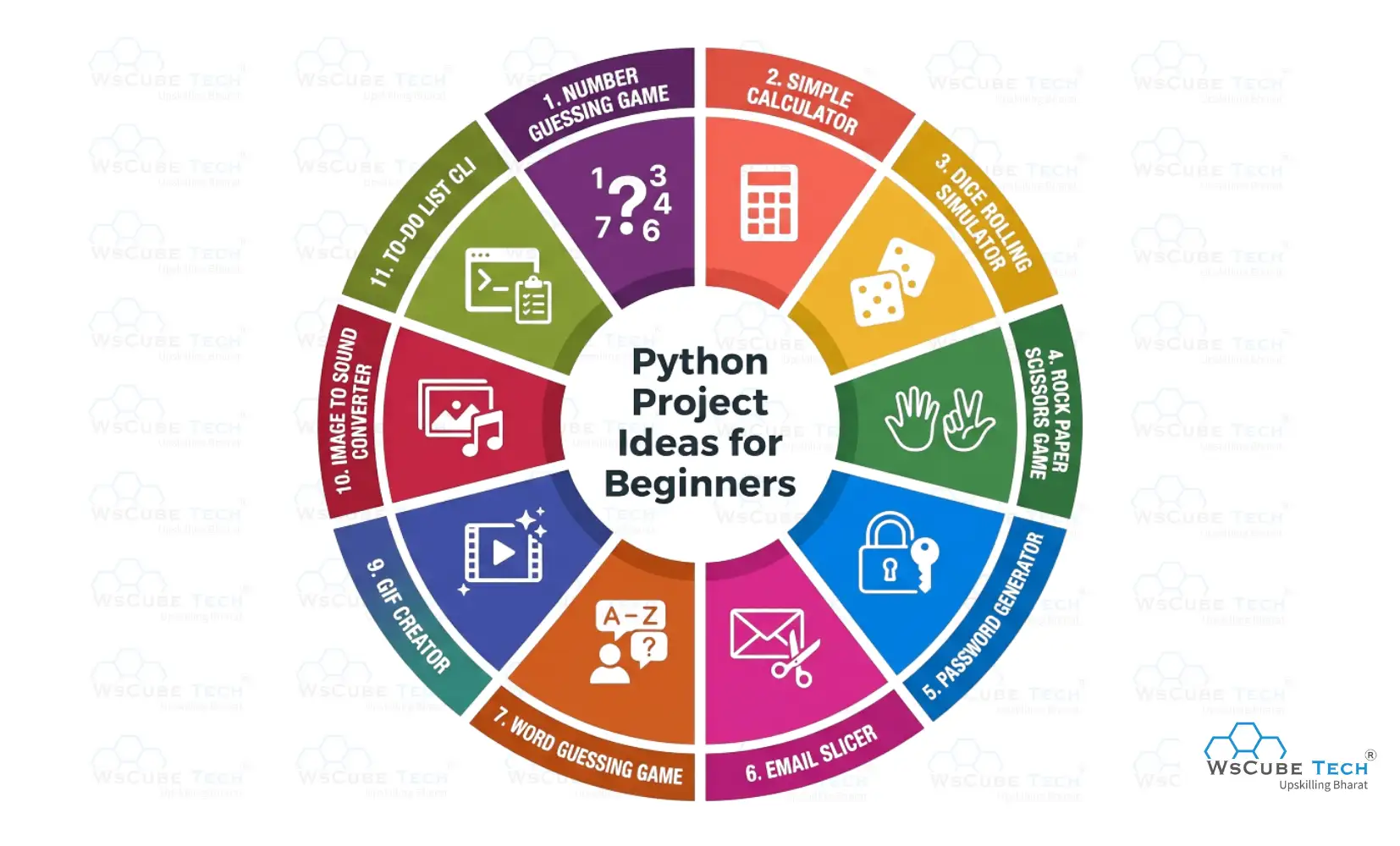
Python Project Ideas for Beginners
Once you learn Python programming, it’s essential to work on a Python project for beginners to strengthen your understanding. Simple projects help you practice basic concepts, improve problem-solving skills, and gain confidence while turning theoretical knowledge into real, hands-on coding experience.
1. Number Guessing Game
The Number Guessing Game is a simple Python project where the program selects a number at random and the player tries to guess it. After each attempt, the program provides hints to help the player get closer to the correct number. It’s an interactive and engaging way to learn basic Python concepts.
How It Works
- The program generates a random number within a fixed range.
- The user enters a number as a guess.
- The program compares the user’s guess with the generated number.
- It displays hints like “Too High” or “Too Low”.
- The game ends when the correct number is guessed.
Skills You Practice
- Working with variables and data types
- Taking user input and displaying output
- Using conditional statements
- Implementing loops
- Using the random module
Source Code: Number Guessing Game
2. Simple Calculator
This Simple Calculator is a beginner-friendly Python project that allows users to perform basic arithmetic operations such as addition, subtraction, multiplication, and division. It’s an excellent way to strengthen foundational Python skills like handling user input, using operators, and applying conditional logic.
How It Works
- The user enters two numbers.
- The program asks which operation to perform (e.g., +, -, ×, /).
- Based on the user’s choice, it performs the selected calculation.
- The result is displayed to the user.
Skills You Practice
- Working with numbers and operators
- Taking user input
- Using conditional statements (if, elif, else)
- Writing simple functions
- Basic program flow control
Source Code: Simple Calculator
3. Dice Rolling Simulator
The Dice Rolling Simulator is a beginner-friendly Python project that mimics the rolling of a dice. When executed, the program randomly selects a number between 1 and 6 (or any defined range) each time the user rolls, just like a real dice. It’s a fun way to learn how randomness works in programming and how to interact with users.
How It Works
- The user chooses to “roll” the dice.
- The program generates a random number within the dice range (usually 1–6).
- The result is displayed to the user.
- The user can roll again or exit the simulation.
Skills You Practice
- Using the random module
- Handling user input
- Working with loops
- Displaying output
- Basic program logic
Source Code: Dice Rolling Simulator
4. Rock, Paper, Scissors Game
The Rock, Paper, Scissors Game is a fun Python project where the player plays against the computer by choosing one of three options: Rock, Paper, or Scissors. The computer makes a random choice too, and the program decides the winner based on classic rules. This project helps you practice user input, randomness, and logic flow.
How It Works
- The user selects Rock, Paper, or Scissors.
- The computer randomly picks one of the three choices.
- The program compares the choices and decides the winner:
- Rock beats Scissors
- Scissors beats Paper
- Paper beats Rock
- It displays the result (win, lose, or tie).
- The game can repeat for multiple rounds.
Skills You Practice
- Working with user input
- Using the random module
- Conditional statements (if, elif, else)
- Game logic implementation
- Looping for repeated play
Source Code: Rock, Paper, Scissors Game